Creating git and Github account
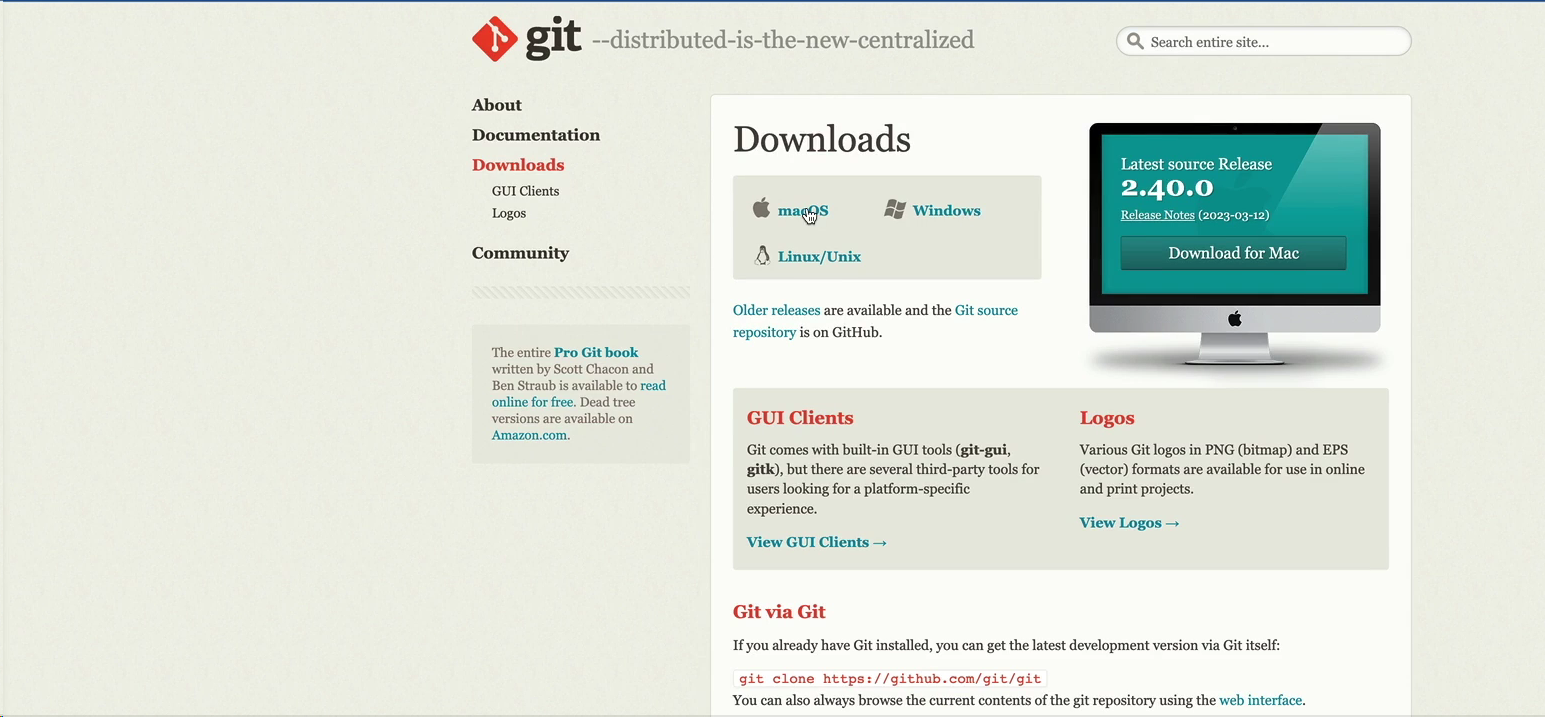
first downloading git in our pc go through the following link
https://git-scm.com/
then download the git according to your system.
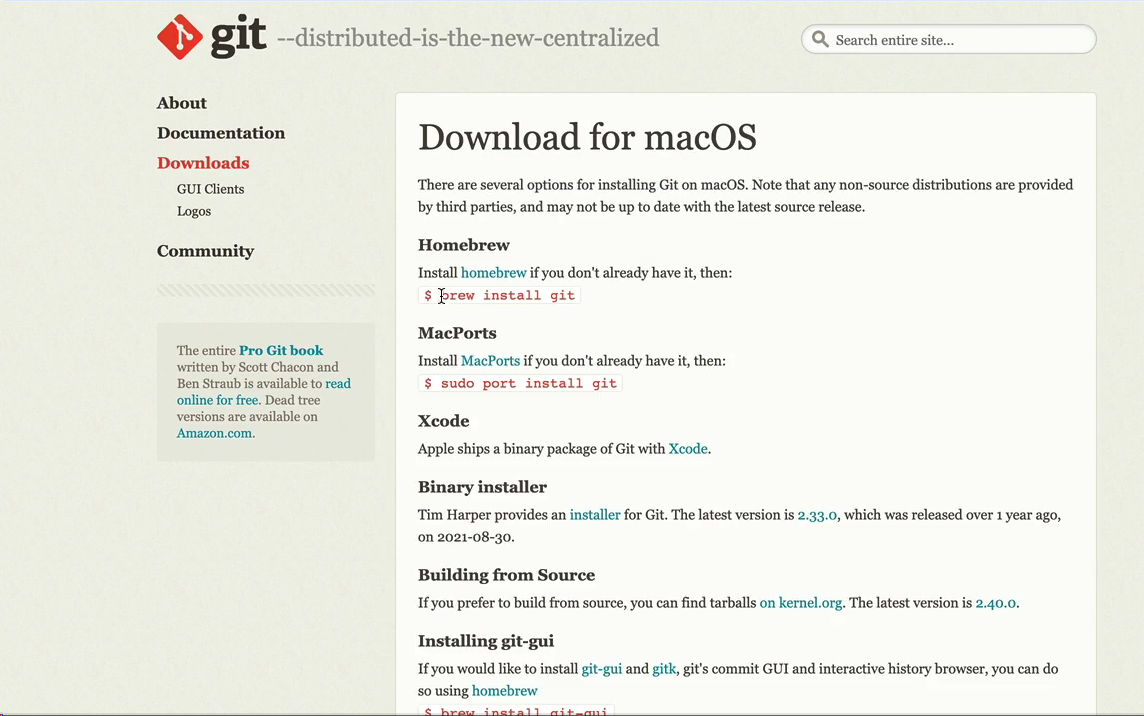
after sometime it will be downloaded .
to check open the terminal with window+r and type cmd
after that
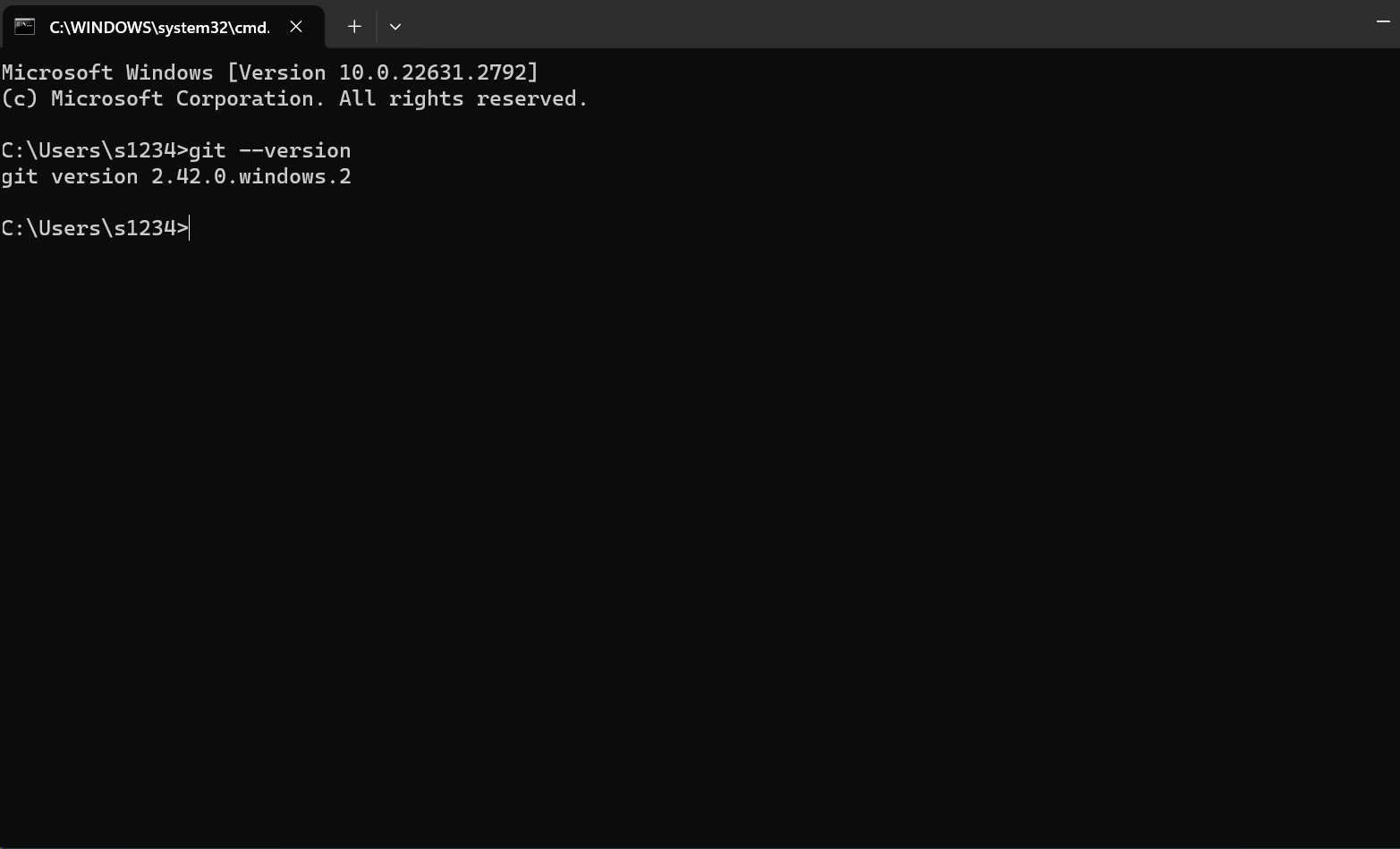
you can find the version of git in you system.
now we will make a account in github
go through following link
and setup the account .
in next video we will set up git and wil learn how we can setup it for controlling version.